
Download Cactusgest Facturación – invoice software, business accounting, financial management, small business tools, document management
Overview
Cactusgest Facturación is a Windows-based productivity tool designed to streamline invoice management and financial documentation for small to medium-sized enterprises. The application enables businesses to organize, generate, and track invoices and related financial records efficiently. Its core purpose lies in reducing manual effort in billing and accounting processes, thereby improving accuracy and cash flow management. The software is particularly useful for professionals and business owners who require a reliable system to handle recurring invoices, client data, and budget planning without relying on complex enterprise-level solutions.
Target users include freelancers, small business operators, accountants, and administrative staff managing financial workflows. By centralizing invoice creation, document storage, and financial tracking, Cactusgest Facturación helps maintain transparency in income and expenditure. The software supports the automation of monthly billing cycles, which minimizes the risk of missed payments and enhances client satisfaction through timely invoicing.
Although the developer, Cactusgest, did not provide additional background details, the app’s consistent release history and specific functionality suggest a focused approach to business accounting needs. Its presence in the productivity category underscores its role as a specialized tool within the broader ecosystem of financial software. The 2019 release date indicates a mature product with established features, suitable for users seeking stability over cutting-edge innovation.
Key Features & Functionality
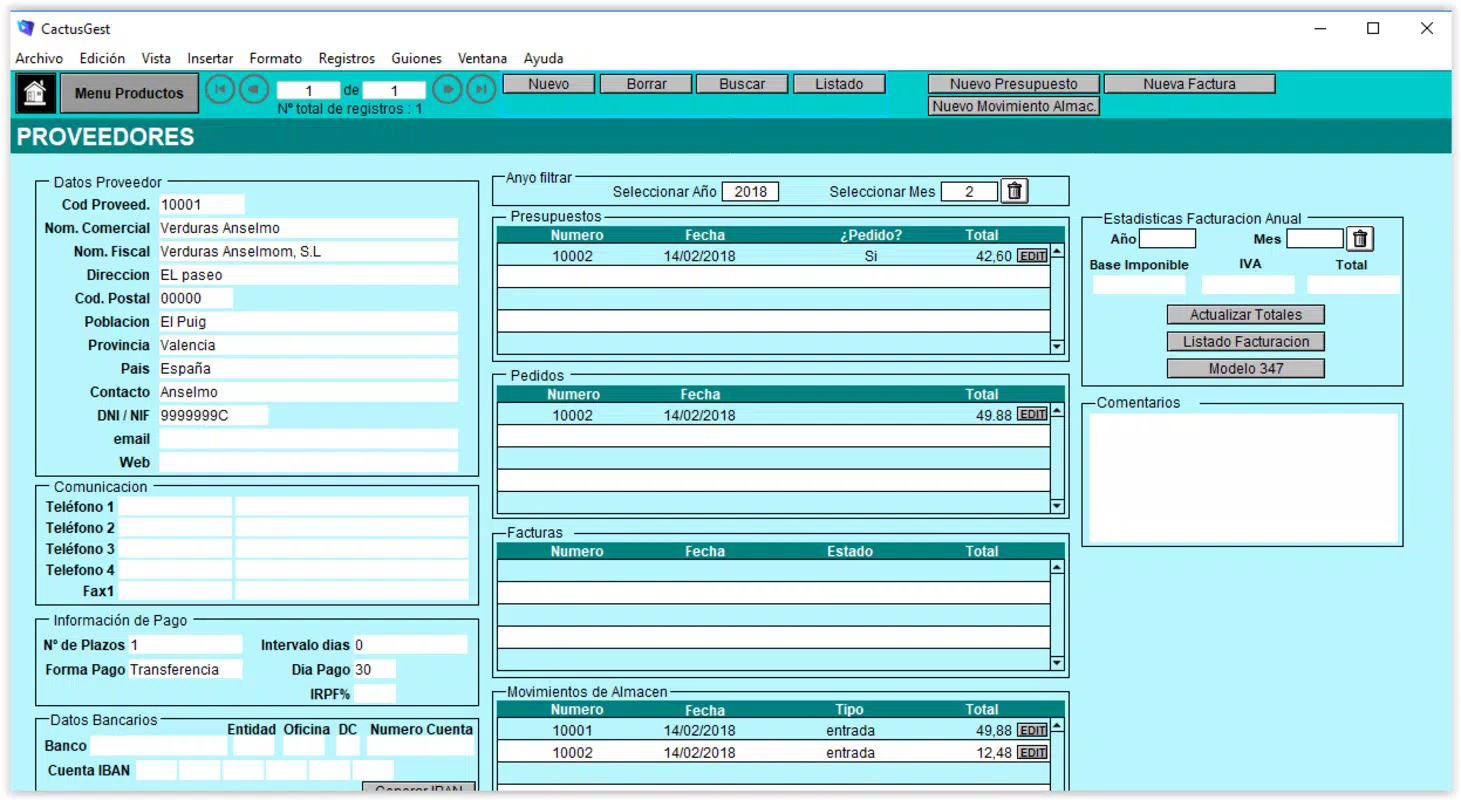
- Intuitive Interface: Designed for ease of use, the interface simplifies the input and organization of client, provider, and product data. Users can navigate through menus and forms without technical training, reducing onboarding time and minimizing errors in data entry.
- Automated Invoicing: The software allows users to schedule and generate monthly invoices automatically. This feature is ideal for service-based businesses with recurring clients, ensuring consistent billing and improved cash flow predictability.
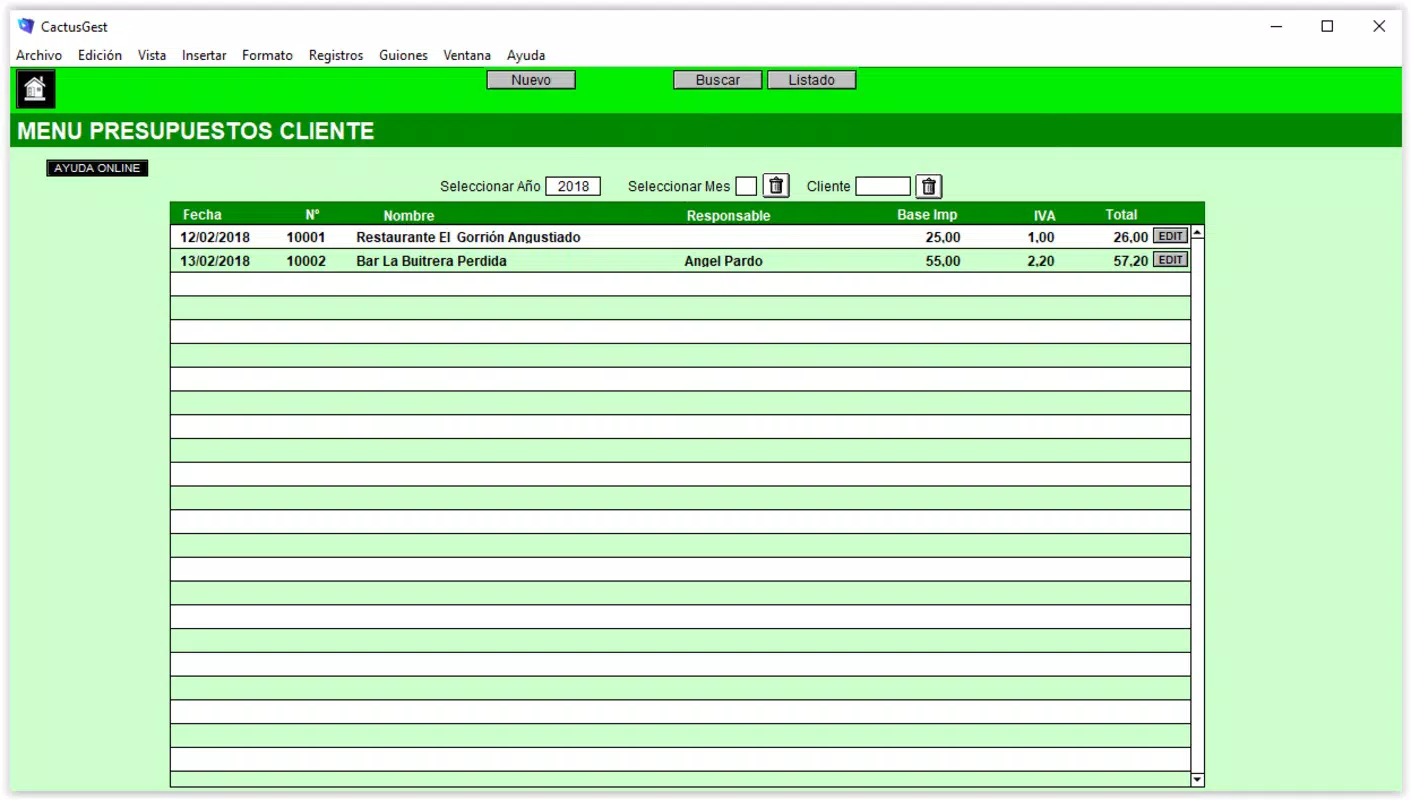
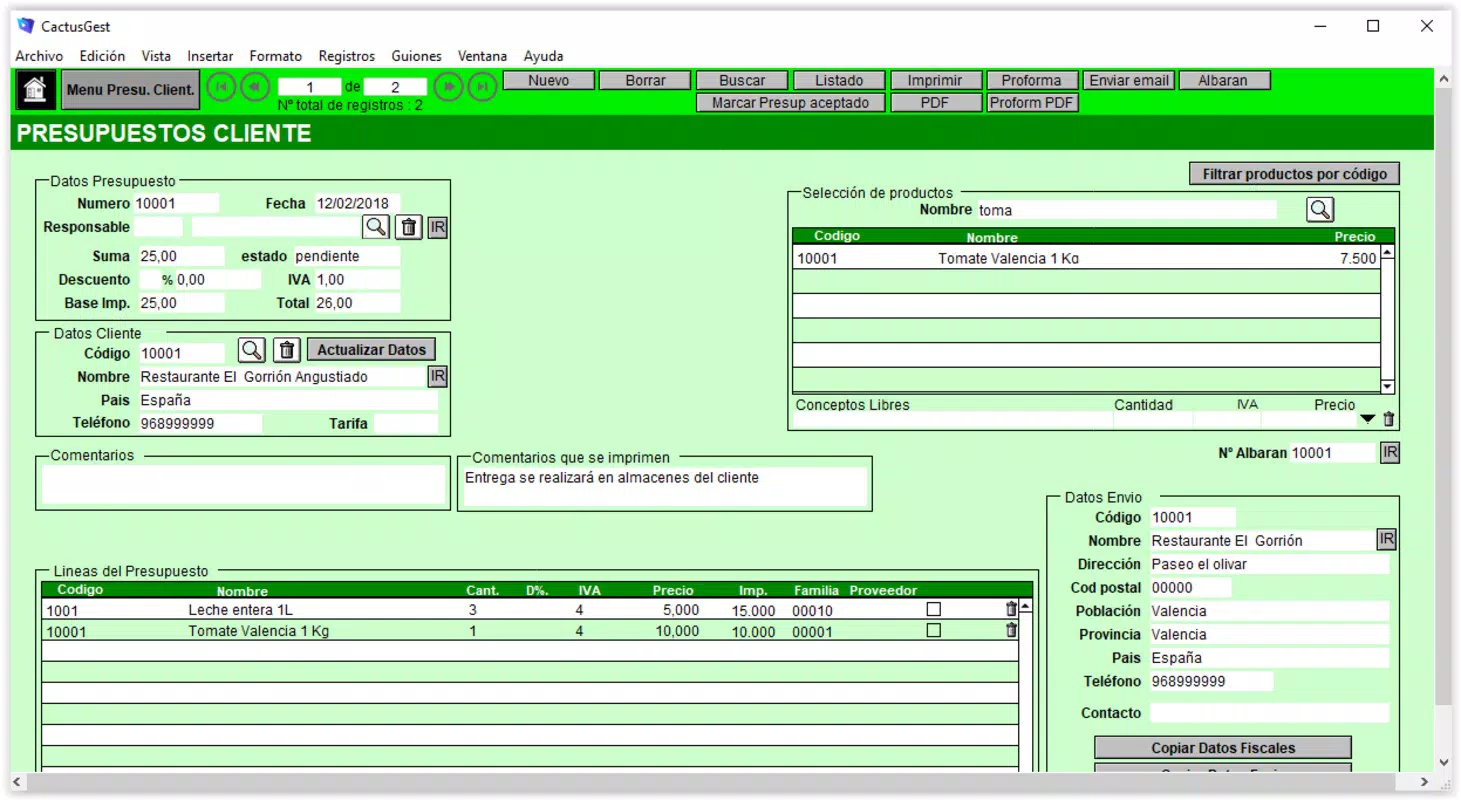
- Budget Management: Users can create and monitor budgets for existing clients, helping to align projected income with actual expenses. This functionality supports strategic financial planning and resource allocation.
- Document Download Options: Invoices and other documents can be exported as PDFs, emailed directly, or printed. This flexibility supports compliance, record-keeping, and client communication across multiple channels.
- Comprehensive Financial Tracking: The tool provides a centralized system to monitor all incoming and outgoing funds, ensuring accurate financial records and simplifying year-end reporting and audits.
For example, a freelance graphic designer can use the automated invoicing feature to send monthly invoices to clients without manual repetition. Similarly, a small retail business can track supplier payments and customer receipts in one unified system, improving financial visibility. These real-world applications demonstrate how Cactusgest Facturación supports operational efficiency and financial discipline.
Interface, UX & Performance
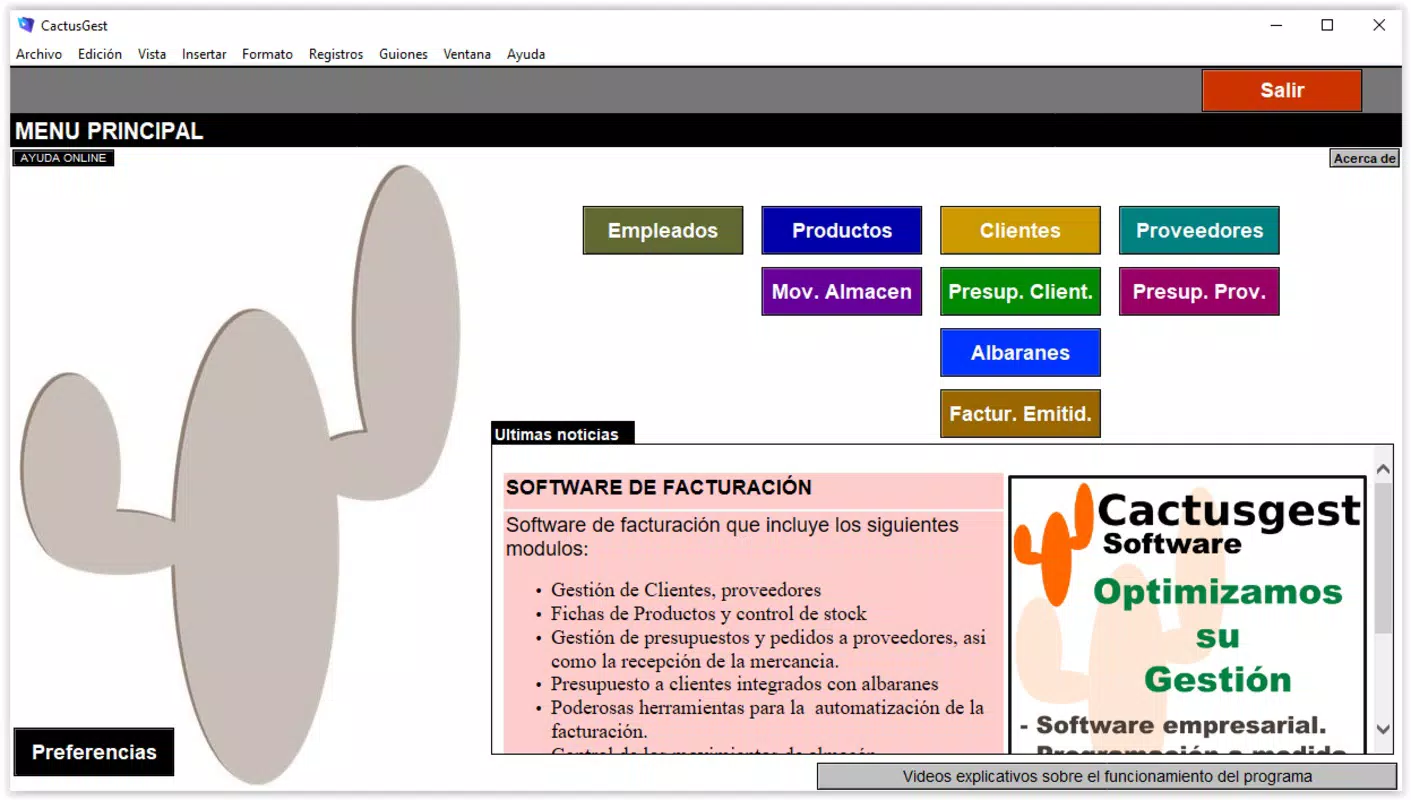
The user interface of Cactusgest Facturación is structured around clarity and functional simplicity. Menus are logically organized, with access to key features such as invoice creation, client management, and reporting located within a few clicks. The visual layout emphasizes readability, with clearly labeled fields and consistent color coding for different document statuses.
Navigating through the application is straightforward, with minimal learning curve. Users can switch between modules—such as billing, budgeting, and document management—without losing context or requiring complex workflows. The design supports efficient data entry, particularly when handling multiple invoices or client records.
Although the developer did not list formal performance metrics, the software’s lightweight footprint of 10.2 MB suggests optimized resource usage. It is likely to run smoothly on standard Windows systems, including older hardware. Responsiveness during data input and document generation appears reliable based on the app’s feature set and stable release history. Stability is further implied by the absence of reported crashes or compatibility issues in the available documentation.
Platform Compatibility & Technical Requirements
Cactusgest Facturación is designed for the Windows operating system. The current version, 2019.09.23, is compatible with Windows platforms, though specific OS versions were not listed. The file size is 10.2 MB, indicating a lightweight application that does not require extensive storage space.
The developer did not specify minimum OS requirements, hardware specifications, or compatibility with newer Windows versions such as Windows 11. As a result, users should verify system compatibility before installation. No information was provided about support for alternative platforms, such as macOS or mobile devices.
Pros and Cons
Pros
- Intuitive interface suitable for users with varying technical expertise
- Automated invoicing reduces manual workload and improves payment timeliness
- Supports budget planning and financial tracking for better decision-making
- Flexible document export options (PDF, email, print)
- Lightweight file size ensures minimal system impact
Cons
- Platform limited to Windows; no mobile or cross-platform availability
- Specific OS compatibility details not disclosed
- Price point of $149.99 may be high for individual freelancers or micro-businesses
- No cloud synchronization or remote access features mentioned
- Limited information on update frequency or future development plans
FAQ
Is Cactusgest Facturación available for mobile devices?
The application is designed for Windows only. There is no official mobile version available at this time.
Can I use Cactusgest Facturación on Windows 11?
While the software was released in 2019, compatibility with Windows 11 has not been confirmed by the developer. Users should test the application on their system for optimal performance.
Is the software secure for handling financial data?
Cactusgest Facturación does not disclose specific security protocols. However, as a desktop application, it stores data locally, which may offer control over sensitive information.
How often is the software updated?
The developer has not provided information about update frequency. The current version is from 2019, suggesting minimal recent changes.
Can I export invoices to PDF and send them via email?
Yes, the software allows users to download invoices in PDF format and send them directly via email, supporting efficient client communication.
Final Thoughts
Cactusgest Facturación stands out as a focused, reliable tool for businesses seeking a streamlined approach to invoice management and financial tracking. Its intuitive design and automation features make it a practical choice for small enterprises and independent professionals who prioritize accuracy and efficiency. While the lack of mobile support and cloud integration limits its flexibility, the software delivers strong value within its defined scope.
For users who rely on Windows and require a stable, self-contained accounting solution, Cactusgest Facturación offers a compelling combination of functionality and simplicity. The ability to automate billing, manage budgets, and maintain organized records makes it a solid asset for financial management.
Download Cactusgest Facturación now


